✦ Studio≡ Catalog↗ Measurement

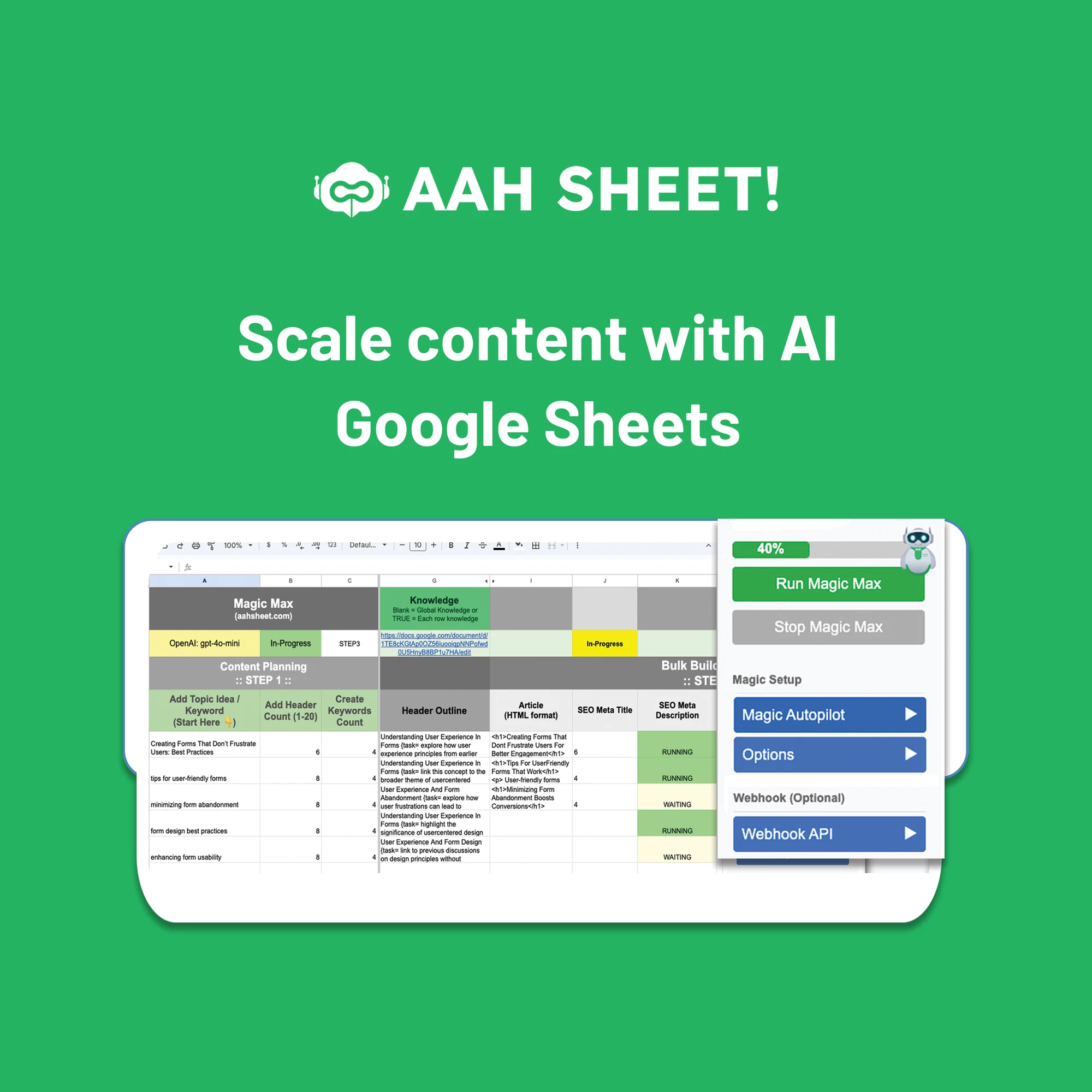
AAH SheetProduct image test
Better images. Sharper product data. Fewer feed headaches. FeedPop puts your catalog, creative tests, and channel checks in one place.
See FeedPop at work ↘Built by a paid ads marketer. Running with pilot accounts.AAH Sheet · AI content creation for Google Sheets
Shopify · XML · CSV · JSON
Your master catalog
Coming next TikTok ShopMicrosoft AdvertisingPinterest
A missing attribute. A vague title. A product your store has but Google doesn’t. Get beyond an error count and see what needs to change.
Open the control room ↗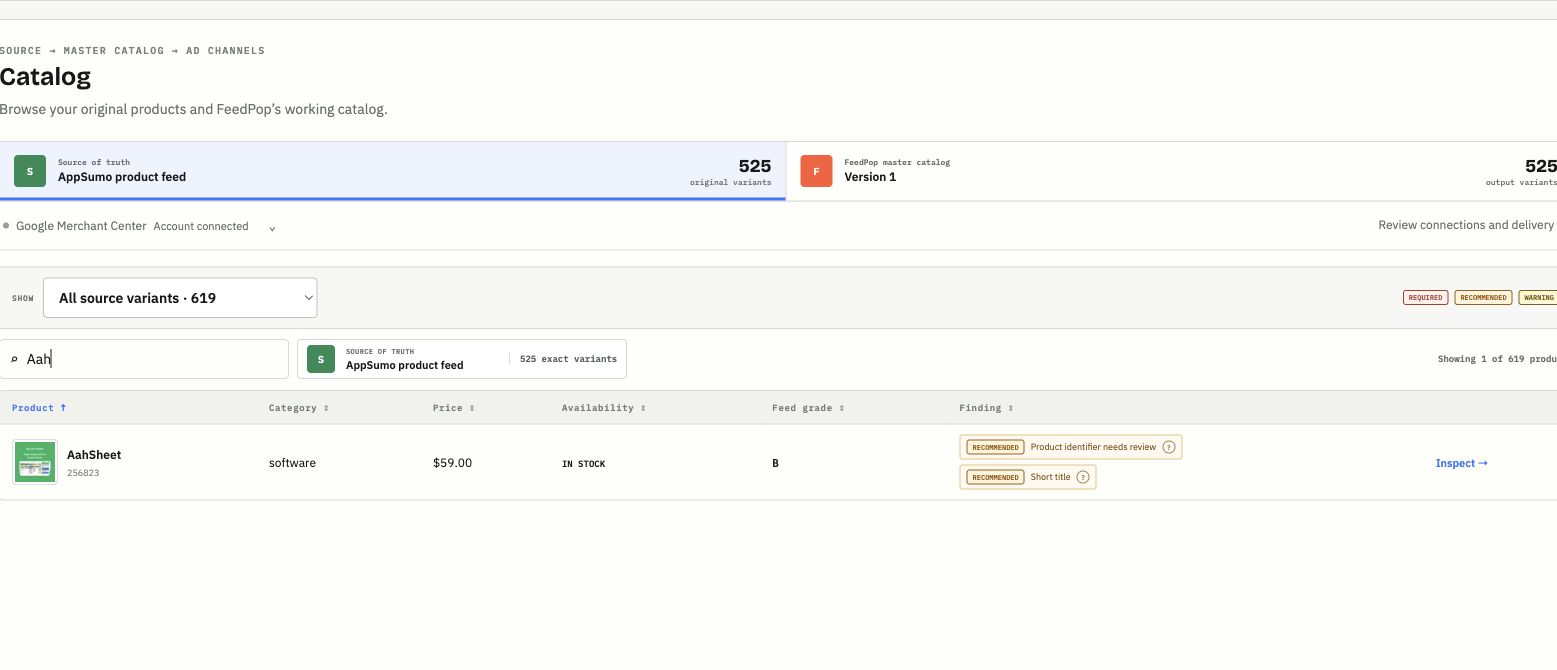
Inspect the product, understand the finding, and review the next action.
Review titles, descriptions, categories, and attributes against the original source. Improve the feed without losing the original.
Filter your catalog and maintain campaign labels for the products you want to promote. Keep segments under your control.
Compare exact product IDs from source to destination. Separate missing products from products still being processed.
Your product image is an ad asset. Give it the same attention as the rest of your campaign.
Test new SKU images. Add a sale frame. Adjust the crop, scale, and background. Then review a whole catalog without opening every product.
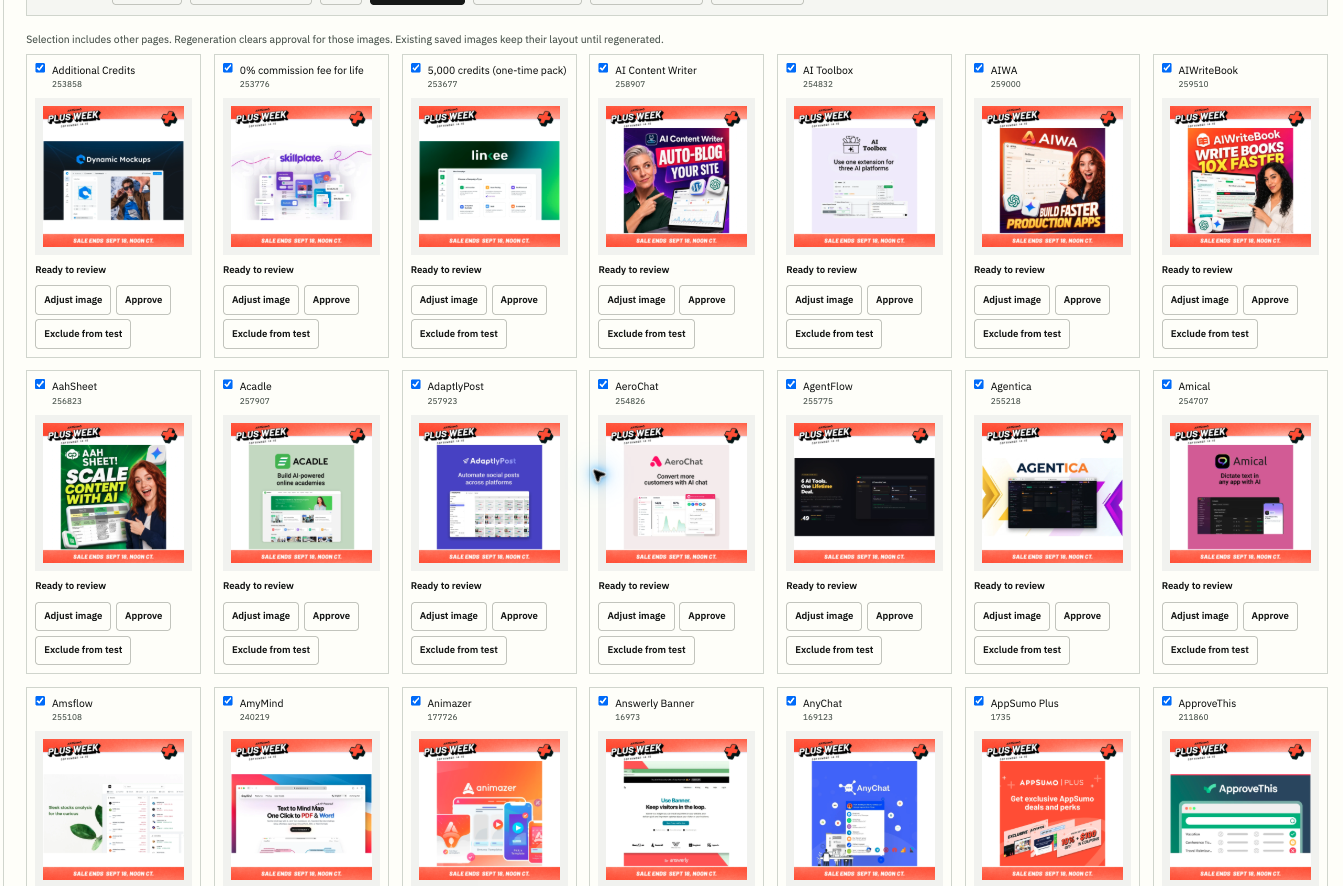
Make it a test. Save a draft and pick up where you left off.
Move in batches. Approve, regenerate, or exclude a selection.
Keep the originals. Schedule a test and restore prior images.
Reliable feed management means a clear record at every step. From the latest source refresh to the version your channel received.
Daily updates bring prices and availability into the master catalog.
Save a version with the images, labels, and product data you chose.
Publishing requests a fetch. Connections keeps the request history.
See import status and product coverage. Submission isn’t the same as approval.
Version history, original values, and rollback keep changes traceable.
Source refreshes update active output as products change, sell out, or leave the source.
Separate workspaces keep each catalog, test, and connection organized.
Follow the products in your test into the results. Studio measurement brings Google Ads and Merchant Center reporting into the same workflow.
Compare periods to spot changes. Use a control group to understand what your test caused.
Paid results from Google Ads. Free-listing clicks from Merchant Center. Kept separate, so you know what you’re looking at.
Available with connected accounts. Conversion value follows your Google Ads tracking setup.Find the issue. Improve the product.
Check delivery. Learn from the result.